Categorised | Technology

Tags |

Channel 4 shows on Joost

Posted on November 7, 2008 | 2 comments |

Peep Show on Joost

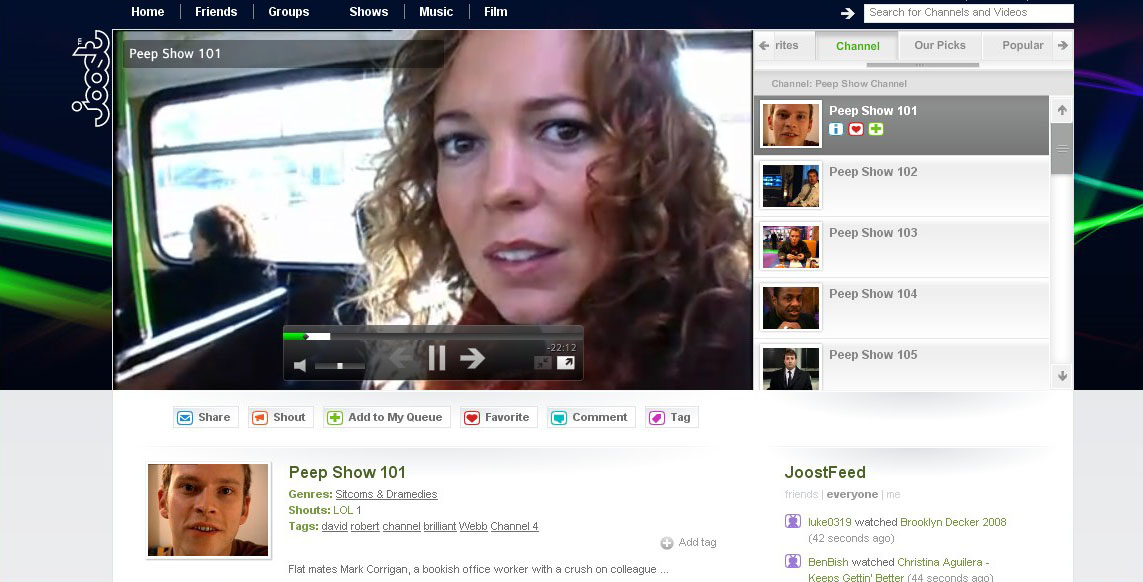
Just a little note that Joost, those exciting Internet TV people, now have the first two series of Peep Show, as well as a few other Channel 4 shows like Shameless.

The good things about this is:

  1. It's completely free, unlike iTunes or DVDs
  2. You don't need to install any software any more, since it runs in any browser than can play Flash video

Basically, all you need is a broadband connection and a web browser. Yey.

PS When did they change the theme tune on Peep Show or is is a licensing problem that stops them from using the proper tune?

Read other posts about:

2 Comments

  1. Phoenix wrote:
    November 7, 2008 | Reply

    (Typekey didn't work for me again)

    Apologies
    "The show you wanted to see is unavailable in your region"

    So, _this_ is how all those people that went to Hulu felt. Got it.

    They did change the opening theme after the first series (I don't know if it's the same tune on Joost). I remember wondering if they were going to change every series, but they stuck with Flagpole Sitta from 2+.

  2. MediumRob MT replied to Phoenix's comment:
    November 10, 2008 | Reply

    Blame TypeKey - it's very tempremental. Nothing's changed at this end...

    Cursed location checking. Even the SNL web site is refusing to show clips from SNL to anyone outside the US. YouTube's at it, too.

    Thanks for the Peep Show info, too.

Leave a comment

Your comment


Comment preview

Subscribe to comments
You can subscribe to comments using one of the methods below:

Comments feed for this entry

Comments feed for the blog

Allowable comments
You can leave just about any kind of comment you like. You can argue, suggest I am (or anyone else is) wrong, leaving general messages of love – anything. However, you absolutely can't leave messages that are general insults or abusive: your comment will either be edited or deleted and you'll be barred from leaving any further comments. We want to keep it civil here.

Spoilers
If you're going to put something you think is a spoiler into one of your comments, put <spoiler> in front of it and </spoiler> after it; if your spoiler is long, remember to put the tags before and after every paragraph. Your spoiler will then only appear if anyone highlights it with their mouse. Remember: your comments also show up in the sidebar at the side of every page!

HTML and User pics
For details of what HTML you can use and how you can get a picture next to your comments, please read the comment guidelines, first.

Featured Articles

Rupert Penry-Jones tells all

Gone but not Forgotten